
1
Allow your browser to install
Settings → Apps → your browser (Chrome) → Install unknown apps → turn it on. On older phones this is a single Unknown sources toggle under Security.
Free Download · Android & iOS
All 105 games in an app that is built for mid-range Android phones on mobile data — not for a flagship on office wi-fi. Install takes about a minute. On iOS, or if you would rather not install anything at all, the same library runs in your mobile browser.
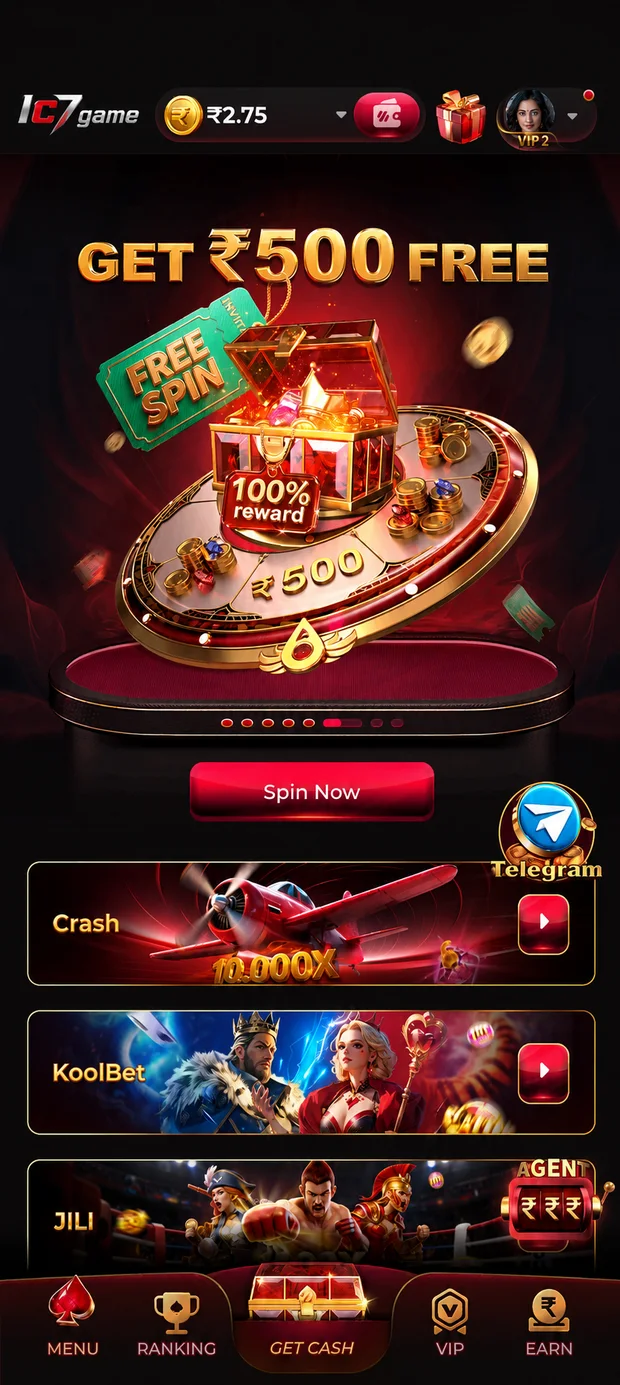
The IC7 app is distributed as an APK rather than through the Play Store, because Google does not list apps in this category. That means Android will ask your permission once before installing — which is exactly what it is supposed to do.
Settings → Apps → your browser (Chrome) → Install unknown apps → turn it on. On older phones this is a single Unknown sources toggle under Security.
Tap Download Now below. Let the file finish downloading completely before you open it — a partial file is the single most common cause of a failed install.
Open the downloaded file from your notification shade or Downloads folder and tap Install. It takes a few seconds. Play Protect may show a warning — see the security section below.
Open the app, register with your mobile number, then open the promotions screen and claim the welcome bonus of up to ₹10,000. Read its terms once before claiming.
Turn the setting back off afterwards
Once IC7 is installed, go back into Settings and switch Install unknown apps off again for your browser. It is a good habit for any sideloaded app — it costs you nothing and closes the door behind you.
iOS does not permit apps in this category on the App Store, so IC7 runs in Safari instead — and it is not a cut-down version. It is the same 105 games, the same account and the same bonus.
Tap the Play Now button anywhere on this site. The lobby loads directly in the browser — no download, no install, no profile to trust.
Tap the Share button in Safari, then Add to Home Screen. IC7 gets its own icon and opens full-screen, exactly like an installed app.
Your account is the same one you would use in the Android app. Log in once and the browser keeps you signed in between sessions.
Android users can do this too
If you would rather not install an APK at all, open IC7 in Chrome and use Add to Home screen from the browser menu. You get an icon and a full-screen app with nothing sideloaded. The native app is faster and handles a patchy connection better, but the browser route is a perfectly good way to play.
IC7 is designed to run on the phones most Indian players actually own. If your device is from the last five or six years, it will handle the app without trouble. These are the practical requirements.
| Requirement | Android | iOS / Browser |
|---|---|---|
| Operating system | Android 6.0 (Marshmallow) or newer | iOS 13 or newer, Safari |
| RAM | 2 GB minimum, 3 GB+ recommended | Any iPhone 8 or newer |
| Free storage | ~150 MB for the app, plus room for updates | Nothing installed |
| Connection | 4G or wi-fi. 3G works for reels and card games. | 4G or wi-fi |
| Data use (light games) | Low — reels, card, instant and arcade titles | Same |
| Data use (Live Arena) | ~0.5–1 GB per hour of continuous video | Same |
| Install source | APK download (not on the Play Store) | No install — runs in Safari |
The categories are not equal. Reels, Card & Table, Instant Play and Arcade titles are light and will run on almost anything. Fishing Arena games are the most graphically demanding in the library and are the first place an older device will start to struggle. Live Arena tables are not graphically heavy, but they stream continuous video — so they are the ones that eat mobile data.
If mobile data is a constraint, stay in the reels, card and instant categories, and drop the stream quality in the Live Arena table settings when you do play there. Downloading the app once over wi-fi and playing over 4G is far more data-efficient than running everything in a browser tab.
Sideloading is normal for apps in this category, but it does mean skipping Google's usual gatekeeping — so it is worth knowing what to check. Here is the honest version.
Android may show a "Play Protect doesn't recognise this app" message during install. That message means exactly what it says: Google has not scanned this app, because it was not distributed through the Play Store. It is not a malware detection.
That distinction matters, and it cuts both ways — it is not evidence the app is dangerous, and it is not proof it is safe either. What actually protects you is where you got the file. Download from the link on this page or from our Telegram, and do not install an IC7 APK that reached you any other way.
If you are not comfortable sideloading, do not. Use the browser version instead — it is the same 105 games and requires no installation at all.
Nobody from IC7 will ask for your password
Support will never ask for your account password, an OTP, or remote access to your phone. If someone claiming to be from IC7 asks for any of those, it is not us — stop, and report it to @ravihere0. Our only official Telegram accounts are @ravihere0 (support) and @yn_games (community).
When you install any Android app outside the Play Store, you are the one doing the reviewing that Google would normally do. That sounds intimidating, but in practice it comes down to one habit: read the permission list, and ask whether each item makes sense for what the app does.
A gaming app has no legitimate need for your contacts, your SMS messages, your call log, your microphone or your precise location. If an APK claiming to be IC7 asks for any of those, do not install it. Delete the file, and tell us where you got it so we can warn other players.
SMS access deserves a special mention, because it is the permission that matters most. An app with SMS access can read the one-time codes that protect your accounts — not just here, but everywhere on your phone. There is no version of a gaming app that needs it.
The rule that covers all of this
Only ever install an IC7 APK that came from the official link on this page or from our Telegram channels. A re-uploaded APK from a file-sharing site or a forum can be modified by whoever uploaded it, and no permission check protects you from an app you already chose to trust.
Because IC7 is not distributed through the Play Store, updates do not arrive automatically. Here is how the process actually works.
New versions are announced in our Telegram community group, and the download link on this page always points at the current build. The app will also tell you in-app when a newer version exists.
Updates carry security fixes, not just new games. An outdated build is the most common reason a game suddenly stops loading correctly, and it is the easiest problem on this entire page to avoid.
Download the new APK and install it over the top — you do not need to uninstall first, and your account is not affected either way. Everything lives on the server, not on your phone.
Never install an "update" someone sends you privately
A common scam in this market is a direct message with an APK attached, claiming to be an urgent update. We do not distribute updates that way. Get every build from the link on this page or from @yn_games — nowhere else, no exceptions, no matter how urgent the message sounds.
There is no desktop app, and you do not need one. Open IC7 in any modern browser — Chrome, Edge, Firefox or Safari — log in with the same account you use on your phone, and the full library is there.
Desktop is genuinely the better experience for two categories. Live Arena tables benefit from the bigger screen, because you can follow the camera feed and the overlay at the same time without squinting. Fishing Arena is easier to aim with a mouse than with a thumb, and the graphics have room to breathe. Everything else is designed thumb-first and is arguably nicer on a phone.
Your balance, history and bonus follow you between devices automatically, because they live on the server rather than on any one machine. Log in on one device at a time, as a matter of basic account security.
Almost every install problem is one of these five. If none of them fix it, message support on Telegram — somebody will walk you through it directly.
This almost always means one of three things: the download did not finish, an older version of IC7 is still installed, or your phone is out of storage.
Delete the downloaded file and download it again from the start, making sure it completes. Uninstall any previous version of IC7 first. Then check you have at least 300 MB free — Android needs room to unpack the app, not just to store it.
The "Install unknown apps" permission is granted per app, and it has to be granted to the app you are opening the APK from — usually Chrome, but if you opened it from a Files app, that is the one that needs permission.
Go to Settings → Apps → the app you opened the file from → Install unknown apps → turn it on, then tap the APK again.
Play Protect flags apps it has not scanned, which includes any app not distributed through the Play Store. Tap "More details" and then "Install anyway" to continue.
Only do this for a file you downloaded from the official link on this page or from our Telegram channels. If an IC7 APK reached you from anywhere else, delete it rather than overriding the warning.
Close other apps running in the background — games are memory-hungry and a phone with 2 GB of RAM has very little to spare. Then clear the app's cache from Settings → Apps → IC7 → Storage → Clear cache (this does not log you out or delete your account).
If it is only happening in one category, that is a clue rather than a bug: Fishing Arena games are the heaviest in the library, and Live Arena tables depend on a steady connection. Try a lighter game and see if the problem follows you.
Go back to the lobby and reopen the game — that fixes it most of the time. If it does not, switch between wi-fi and mobile data, because a half-connected network is worse than a slow one.
Still stuck? Reinstall the app from the official link. Your account, progress and bonus balance live on the server, not on your phone, so nothing is lost by reinstalling.
Use the "Forgot password" link on the login screen and reset it with the mobile number you registered with.
If the reset code does not arrive, check whether the number you are entering is the one on the account, and message @ravihere0 on Telegram. Support will never ask you for your password or an OTP — anyone who does is not from IC7.
This is almost always the connection rather than the file. Switch to wi-fi if you can — an APK is a single large download, and an unstable mobile signal will interrupt it far more often than it interrupts a stream.
Delete the partial file before you retry, rather than letting the browser resume it. A resumed download that was interrupted at the wrong moment is the most common cause of the "App not installed" error further down the line.
Restart the phone first — it sounds dismissive, and it genuinely resolves this more often than anything else, because a fresh boot frees the memory the app needs to start.
If it still closes, check your Android version. The app needs Android 6.0 or newer. If you are on an older build, use the browser version instead: open IC7 in Chrome and add it to your home screen, and you get the same 105 games with nothing installed.
Live Arena tables stream continuous video, so they are the most connection-sensitive games in the library. Lower the stream quality in the table settings — the game plays identically at a lower resolution, and a stable low-quality feed beats a stuttering high-quality one every time.
Remember that the round timer does not pause when your video does. If your connection is genuinely unreliable, play a lighter category until it is not; losing a round to a dropped signal is an avoidable way to lose one.
Go to Settings → Apps → IC7 → Storage → Clear cache. This deletes the cached game assets, not your account. You will not be logged out and nothing is lost — the assets simply re-download the next time you open a game.
Do not tap "Clear storage" or "Clear data" unless you intend to set the app up again from scratch. Even then, your account is safe: it lives on the server, so you would simply log back in.
Yes. The app itself is free, and registration is free. New accounts also start with a welcome bonus of up to ₹10,000, which is credited from the promotions screen after you register.
Google's store policies do not permit apps in this category in India, so the app is distributed as a direct APK download instead. That is why Android asks you to allow "Install unknown apps" once during setup.
If you would rather not sideload anything, use the browser version — it is the same 105 games, with nothing installed.
Not a native one. On iOS, IC7 runs in Safari, and you can add it to your Home Screen so it gets its own icon and opens full-screen like an app.
Nothing is missing in that version — same library, same account, same bonus.
The app itself is around 150 MB installed. Leave about 300 MB free during installation, because Android needs working room to unpack it.
Data use depends entirely on what you play. Reels, card, instant and arcade games are light. Live Arena tables stream continuous video and use roughly 0.5–1 GB per hour at default quality — lower the stream quality in the table settings if you are on a limited plan.
No. Your account, history and bonus balance are stored on the server, not on your phone. Uninstalling and reinstalling the app changes nothing — log back in with the same number and everything is where you left it.
Yes. One account works across the Android app, the mobile browser and a desktop browser. Your balance and history follow you between them.
Log in on one device at a time for account security, and never share your login with anyone — including anyone claiming to be from support.
No. The welcome bonus is tied to your account, not to the app. You can register and claim it in a browser and never install anything.
Read the bonus terms on the offer screen before claiming, so you know exactly what the offer is and how it can be used.
105 games, a welcome bonus of up to ₹10,000, and a support account that answers at any hour. Installation takes about a minute.